
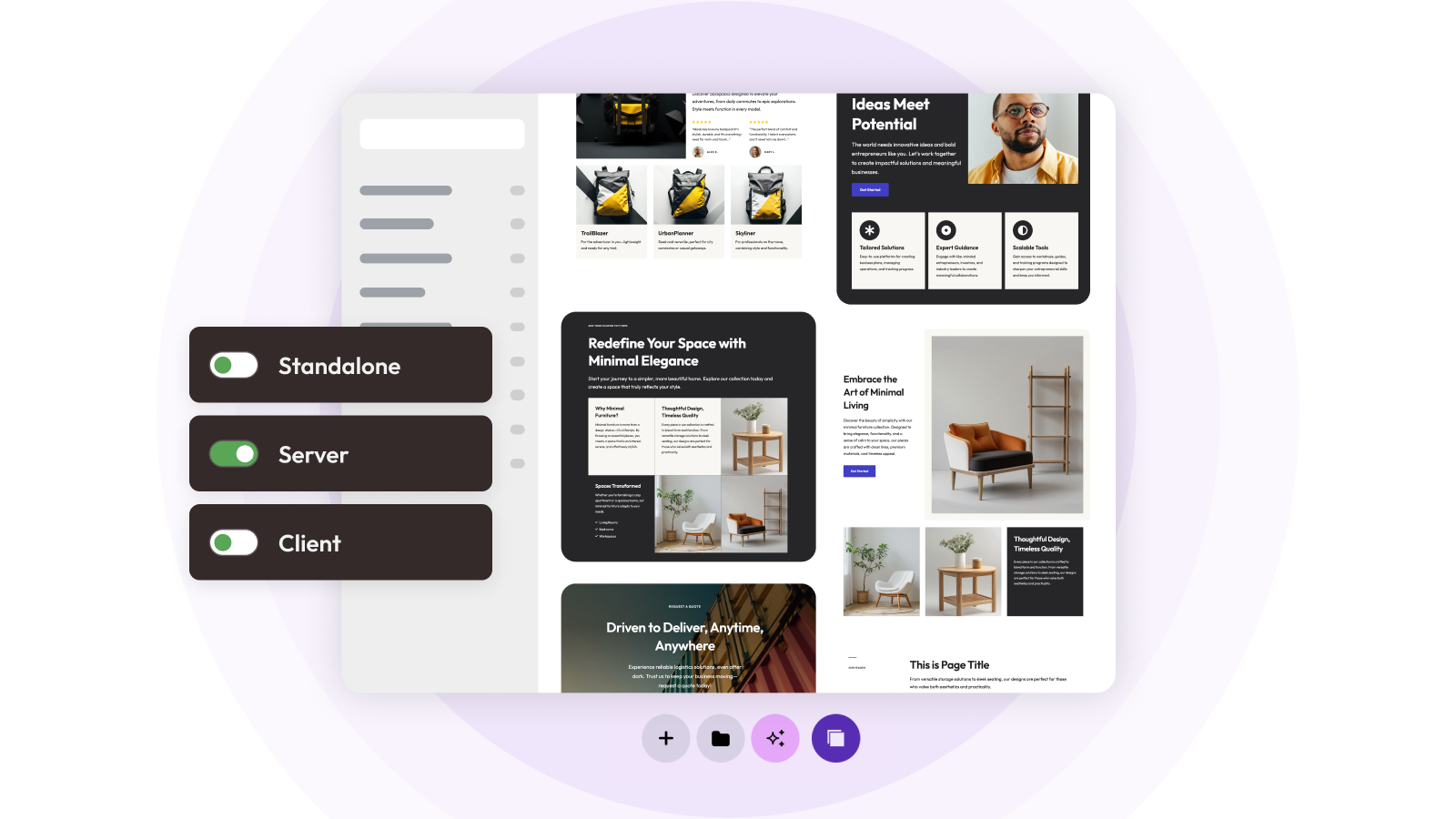
Custom Library for Elementor improves how you manage templates inside Elementor. It gives you a structured way to create, organize, and reuse your own templates directly in WordPress. Instead of relying on repeated exports or scattered files, you keep your templates in one centralized library that is always available while you design.
You can store sections, pages, blocks, and full layouts, organize them with categories and thumbnails, and find them quickly using search. In addition, the Remote Library feature extends this system across multiple websites, allowing you to share your template library between projects.
Managing templates across more than one site usually means exporting files, importing them again, and trying to keep everything aligned manually. As projects grow, this approach becomes slow and unreliable. The Remote Library changes that by letting websites connect and access shared templates directly.
As a result, you can share and reuse a single template library across multiple websites.
What Is the Remote Library
The Remote Library is a connection system between websites that use Custom Library. It lets templates created on one website become available on another without file transfers or manual syncing. One site acts as the source of templates, while other sites access those templates in real time.
Because of this, you can treat your templates as a shared design system rather than isolated assets tied to individual websites.
The Three Remote Modes
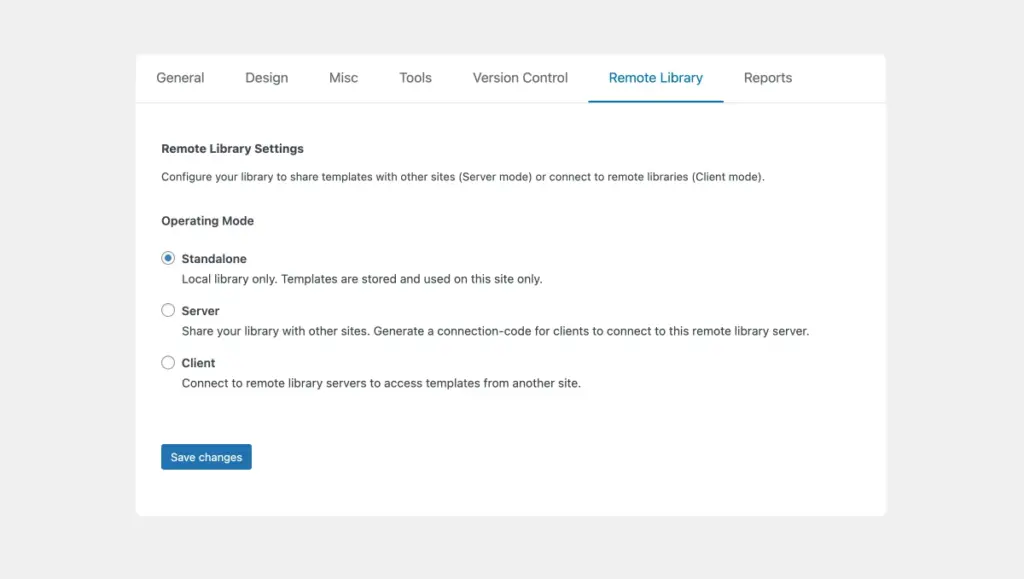
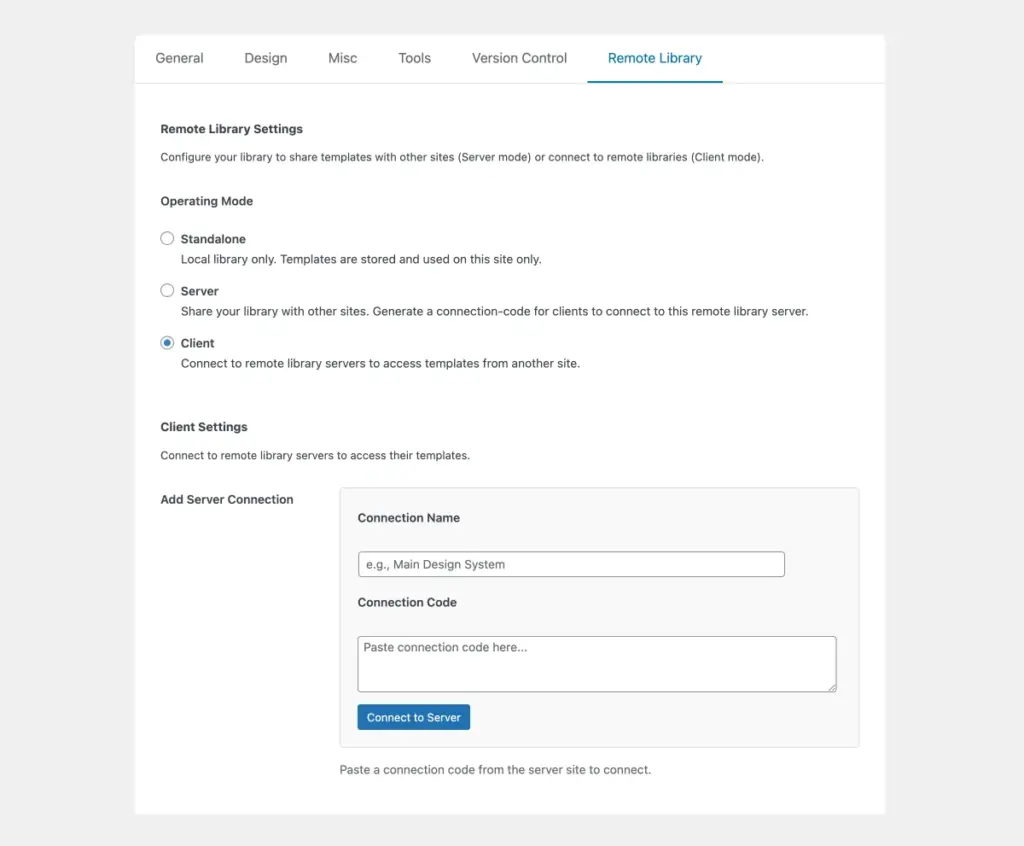
Each website must operate in one of the following modes. These modes define how the site participates in the Remote Library:
- Standalone
The library remains local to the website. Templates stay on that site and are not shared with others. - Server
The website acts as a template provider. It generates a secure connection code that other websites use to access its template library. - Client
The website connects to a Server using a connection code and gains access to its templates.
Together, these roles create a simple and predictable structure for sharing templates.
How the Connection Works
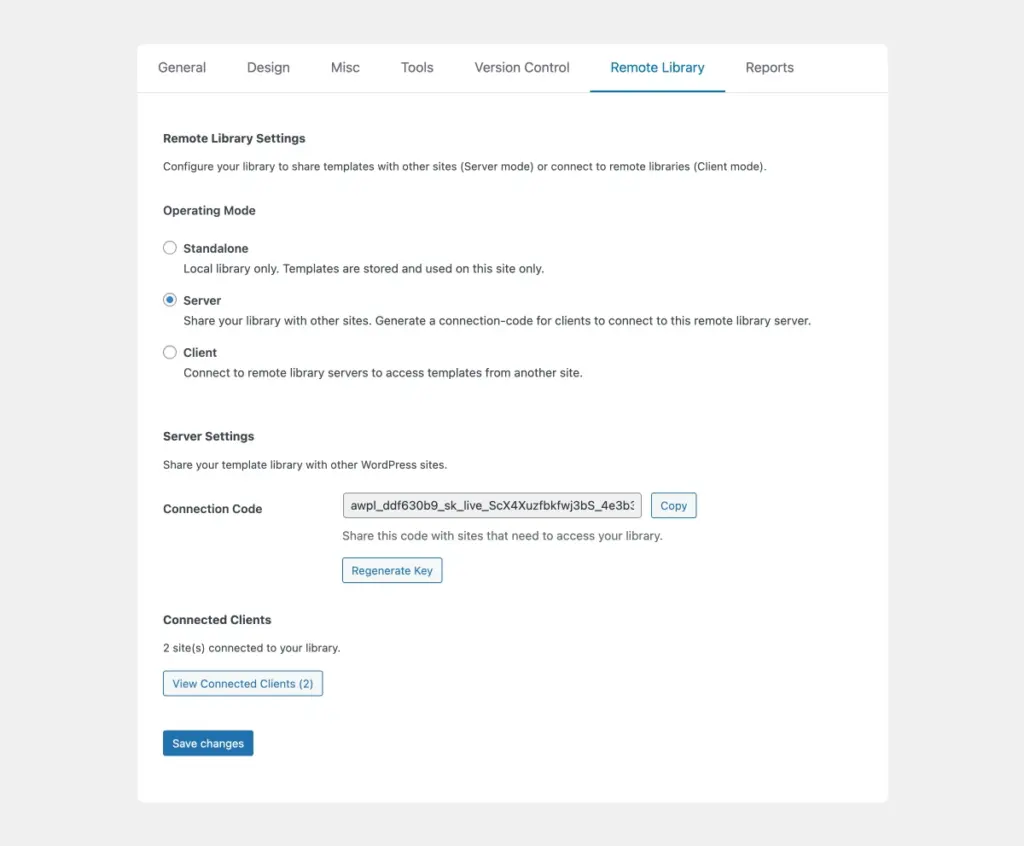
First, choose one site to act as the Server. That site generates a connection code. Next, on another site, switch to Client mode, paste the code, and connect. Once the connection is active, the templates from the Server appear in the Client’s Custom Library.
From that point on, working with remote templates feels the same as working with local ones inside Elementor. In practice, this removes the need for manual exports and imports entirely.
Making Changes to Templates
All template editing takes place on the Server website, which acts as the central source of truth for your library. You update layouts, refine structure, and adjust designs directly there. Afterward, you can sync those changes across all connected Client websites.
This means you maintain one authoritative version of each template. Instead of opening multiple sites and repeating the same updates, you update once and keep everything aligned. As a result, your design system stays consistent across all projects.
Client sites work differently by design. On Client sites, the remote templates remain read-only inside the library. This protects the shared system and prevents accidental changes.
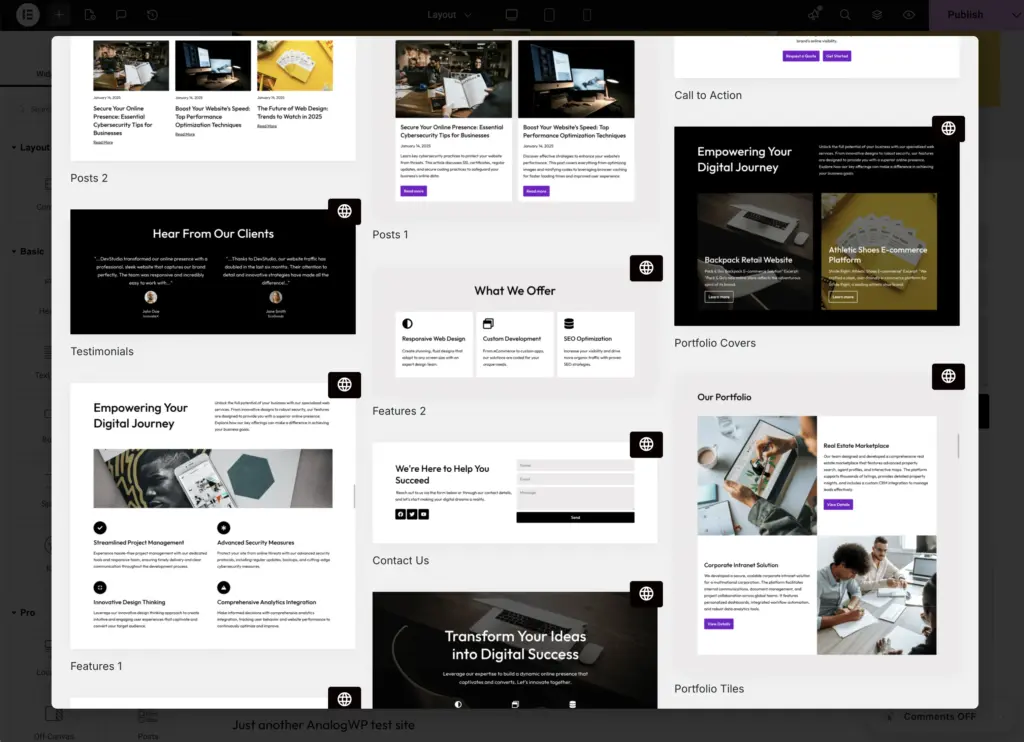
However, when a project needs customization, the Client site can import the template into its local library. After importing, the template becomes fully editable and independent from the Server version. At that point, the team can adapt it freely without affecting the shared templates or other connected sites.
In this way, you keep central control while still allowing project-level flexibility.
Managing Connected Websites
The Remote Library gives you full visibility and control over all connections.
On a Server site, you can:
- See all connected Client websites
- Monitor activity
- Revoke access instantly
- Regenerate the connection code if needed
On a Client site, you can:
- See which Servers you are connected to
- Remove any connection that is no longer required
Because of this, you always know who uses your templates and where they come from.
Security and Control
Connections rely on secure share codes, which gives you full control over access. Only websites with a valid code can connect to a Server library. If access needs to change, you can revoke it immediately without affecting your own templates.
The system works especially well for agencies, freelancers, and teams that need controlled access to shared resources.
Providing Clients with a Custom, easy-to use Template Library
One important use case is providing clients with their own simplified and predictable template library.
You can do that in two ways:
Standalone mode: Before client handover, add a number of basic templates to the custom library. You can either build them locally, so they are specific to this website.
Connecting to a server site: Connect your client’s site to a server and give your clients access to your entire library of templates.
In practice, Custom Library becomes both a template system tool and a delivery platform for hassle-free workflows for clients.
Why This Matters for Elementor Workflows
Instead of managing templates separately for each website, you manage a shared system that serves both your internal production and your client projects. This leads to faster project setup, less repetition, easier maintenance, and stronger design consistency.
At the same time, you gain a structured way to provide clients with a library that is easier and more predictable to use. You no longer just reuse templates internally. You actively deliver a controlled template system to your clients.
Final Thoughts
The Remote Library feature extends Custom Library for Elementor into a multi-site template sharing system. It allows you to centralize template management, control access, and reuse layouts across projects while also giving you a professional way to provide curated template libraries to your clients.
Overall, it offers a cleaner, more structured approach to managing and distributing Elementor templates across multiple websites.