
You can customize the layout of your Library by going to the plugin settings, under the “Design” tab.
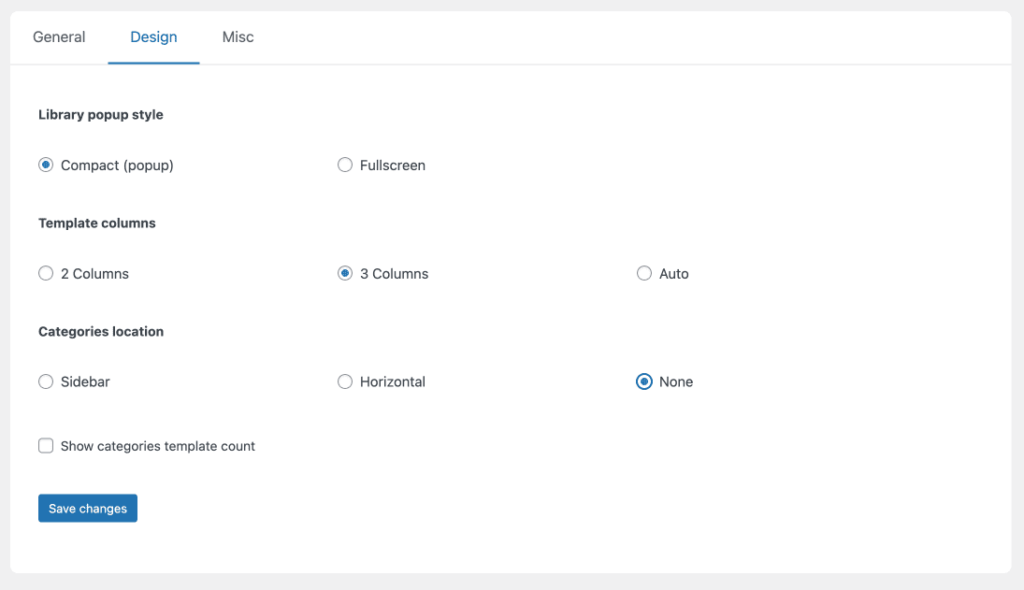
Library popup style
Defines if the library will open in a popup or full-screen.
Options:
- Compact (popup)
- Fullscreen
Template columns
Defines the number of template columns in the library
Options:
- 2 Columns
- 3 Columns
- Auto
Categories location
If you decide to use categories, these options define the location where they are displayed.
Options:
- Sidebar
- Horizontal
- None (disables categories)